
Bring the paper into view
Choose a JPG, PNG, WebP, or AVIF with the complete authorized mark and enough room to inspect its loops.
Turn an authorized handwritten signature photo into a transparent PNG you can place in Word, PDF, forms, or a design file. The work happens in your browser, with no account, payment step, or watermark.
Open the signature canvas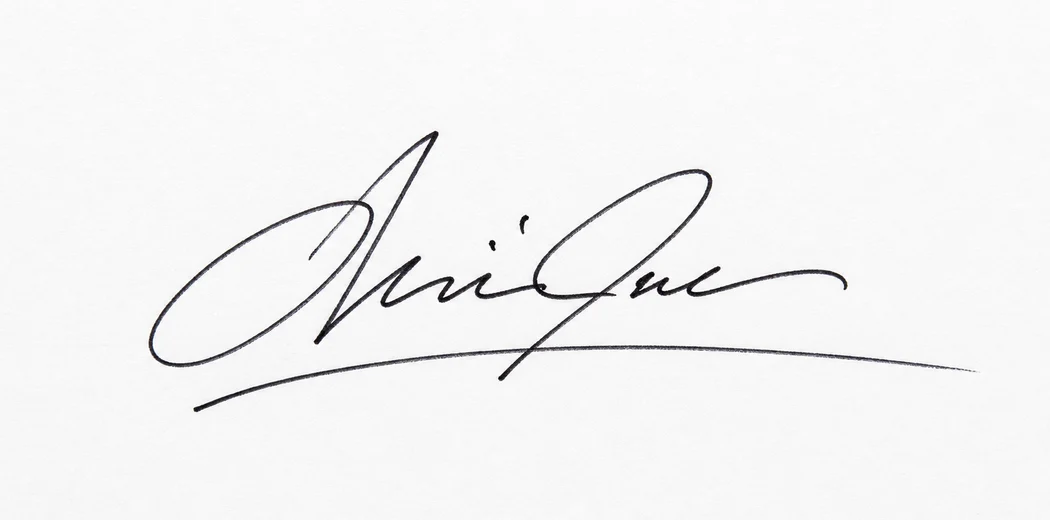
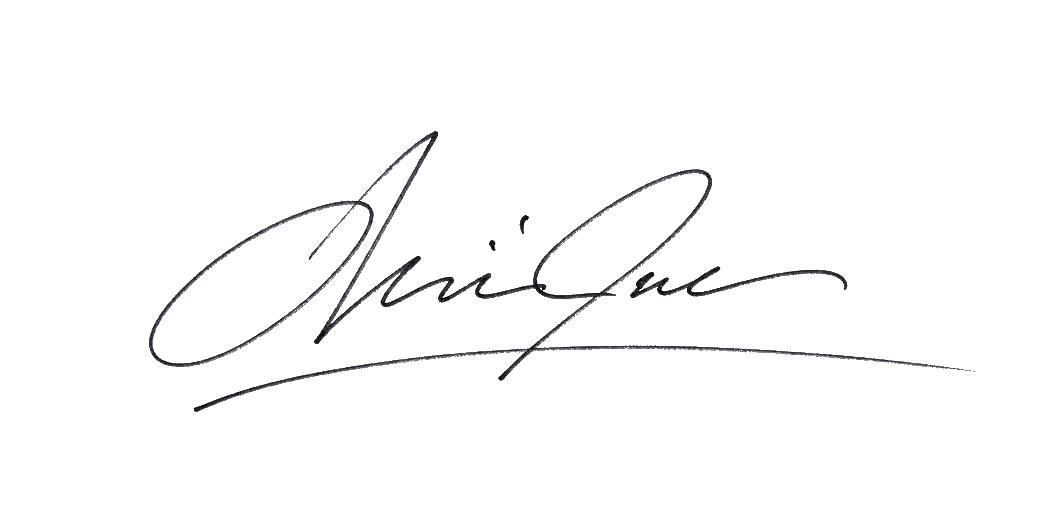 Paper left behind
Add a clear photo or scan, inspect the paper mask, and export a transparent signature PNG for Word, PDF, email, or design files. The image stays in this browser session.
Drag and drop a photo or scan, review the transparent result, and download a clean PNG for your documents. No account or payment is required.
Prepare the source, read the edge, and save a copy you can explain later.
Choose a JPG, PNG, WebP, or AVIF with the complete authorized mark and enough room to inspect its loops.
Compare the mask to the source, switch preview backgrounds, and repair only the pixels you can verify.
Download PNG, keep the proportions, and place a copy in the document rather than replacing the original scan.
The result follows the source. A clean page, a faded scan, and ruled paper each deserve a different inspection before export.
The easy case: strong contrast, a flat page, and enough margin to see the entire mark.
Lower the removal strength and use Restore sparingly when a light loop matters more than a perfectly white page.
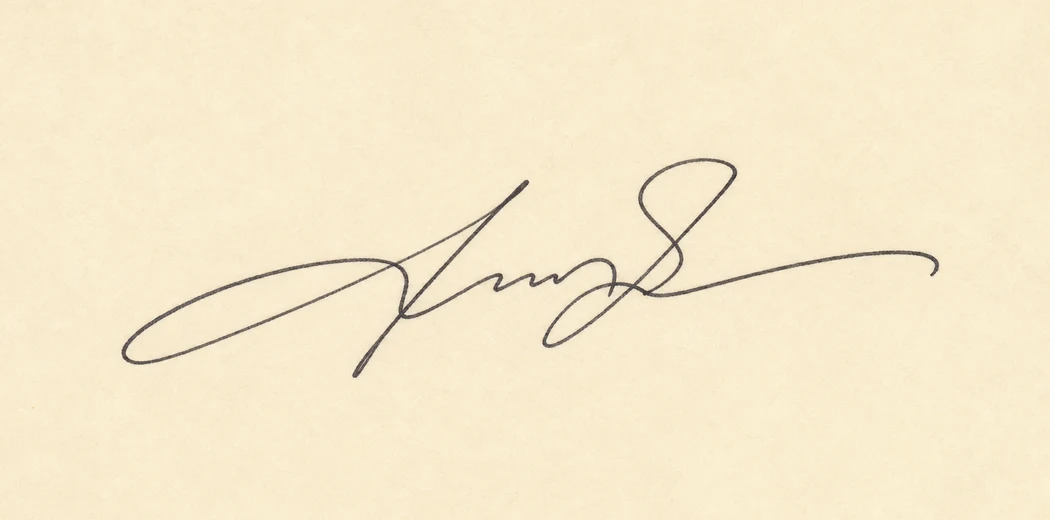
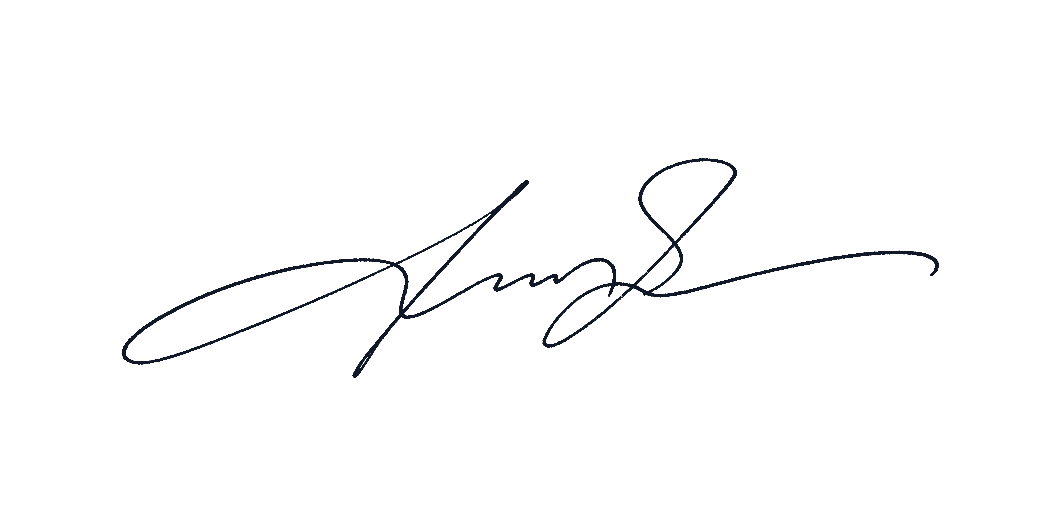
Preview twice: dark backgrounds expose paper residue, while light backgrounds expose missing blue strokes.
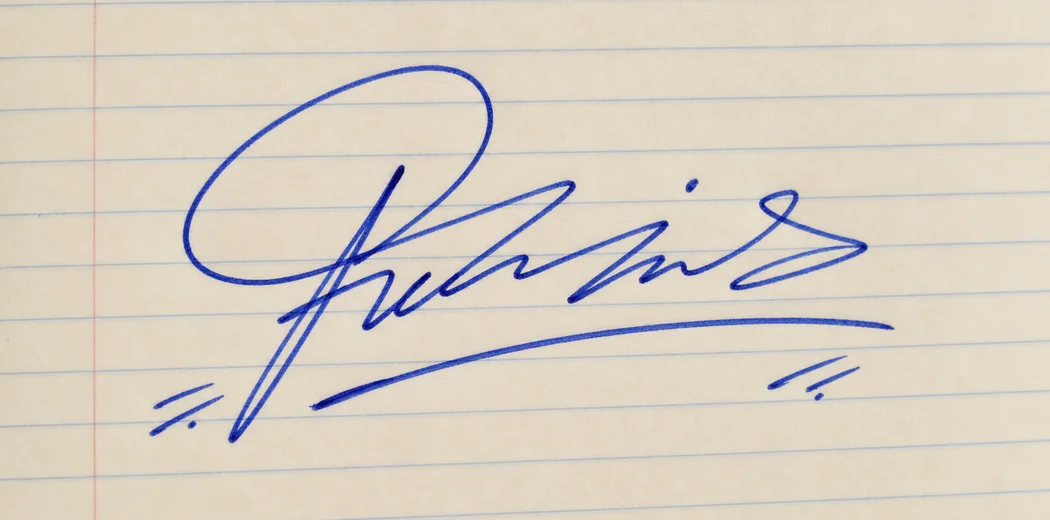
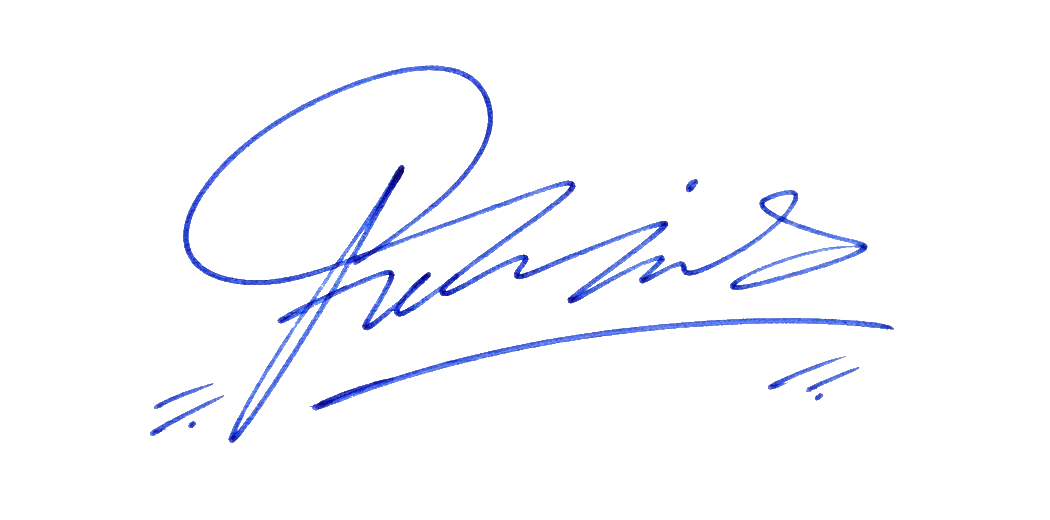
Choose the next task first. Each note starts with a source image and ends with a file you can review.
Flatten the page, find even light, and let the browser separate the ink before you place anything in a document.
Open the signature extractor
Keep the canvas predictable, choose a stable wrap mode, and preserve the proportions of every loop.
Read the Word placement note
Check the edge on contrasting backgrounds, then carry the cleaned mark into Acrobat or a form only after the source makes sense.
Clean a scanned signature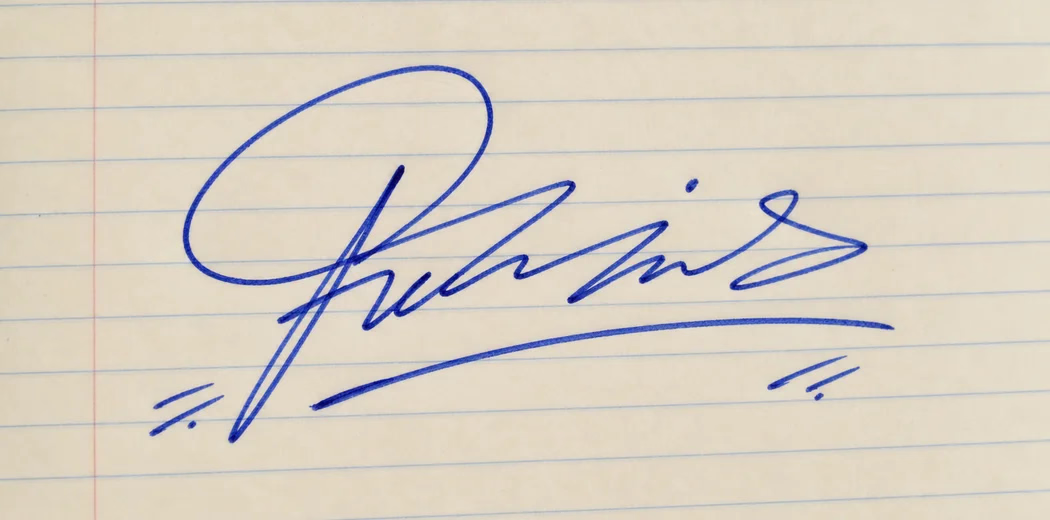
Queue authorized files in the browser, review every result, and leave with separate PNGs or one ZIP rather than an online gallery.
Open batch signature cleanup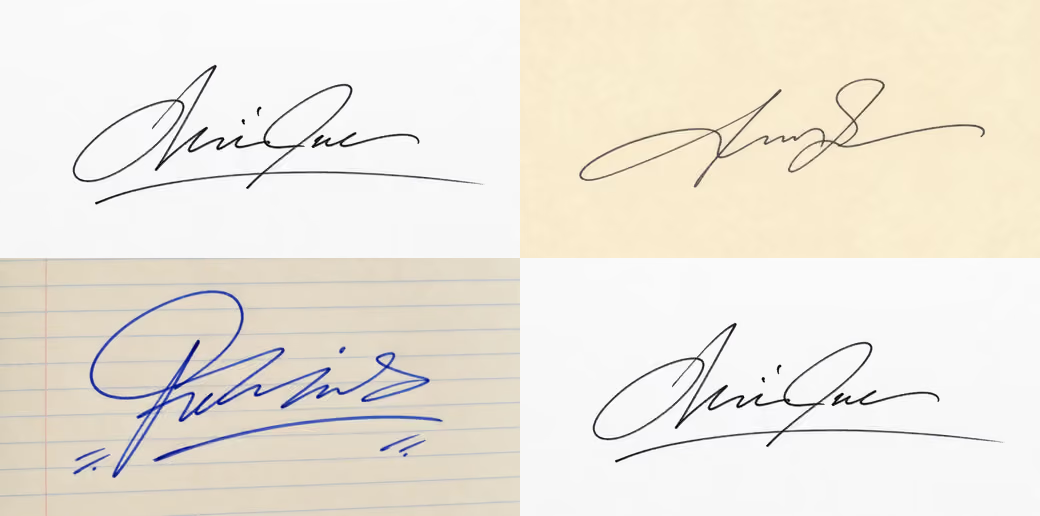
Place the PNG over a line, a scanned page, a colored form, or a letterhead. Keep the source and the signer’s permission close; a visual mark is not a certificate.
Place it in Word Place it in a PDFShort, practical notes for photographing the source, reading the edge, and keeping a visual signature separate from a formal digital signature.
Insert the PNG, choose a predictable wrap mode, and resize from a corner so the handwriting keeps its shape.
Read the Word field note PDFPlace the image in Acrobat, then decide whether the recipient actually needs a certificate-based signature.
Read the PDF field notePrivacy, source quality, ink color, export format, and the limits of a visual signature in one place.
Upload a JPG, PNG, or WebP photo. The light paper is processed locally and the darker ink is exported as a tightly cropped transparent PNG.
No. The selected image is read and processed by your browser on your device. The original photo and result are not sent to an image-processing server.
Use a sharp photo or scan with even light, a dark signature, and light paper. Keep the camera parallel to the page and crop out hands, stamps, and printed text.
Yes. Choose Original to preserve the photographed ink, or select Blue in the editor to create a consistent blue signature for your document.
Yes. Download the transparent PNG, then insert it as an image in Word or Adobe Acrobat.
Only when that person has explicitly authorized you to use the signature for the specific document.
Move Background removal slightly lower to preserve lighter strokes. A clearer source image and even lighting also improve thin or faded handwriting.
Yes. It is free to use in a modern browser, with no account, watermark, or upload required.
Yes. PNG preserves transparent pixels so the document remains visible behind the signature.
Yes. JPG, PNG, and WebP photos from a phone work best when the page is flat, evenly lit, and free of nearby marks.